
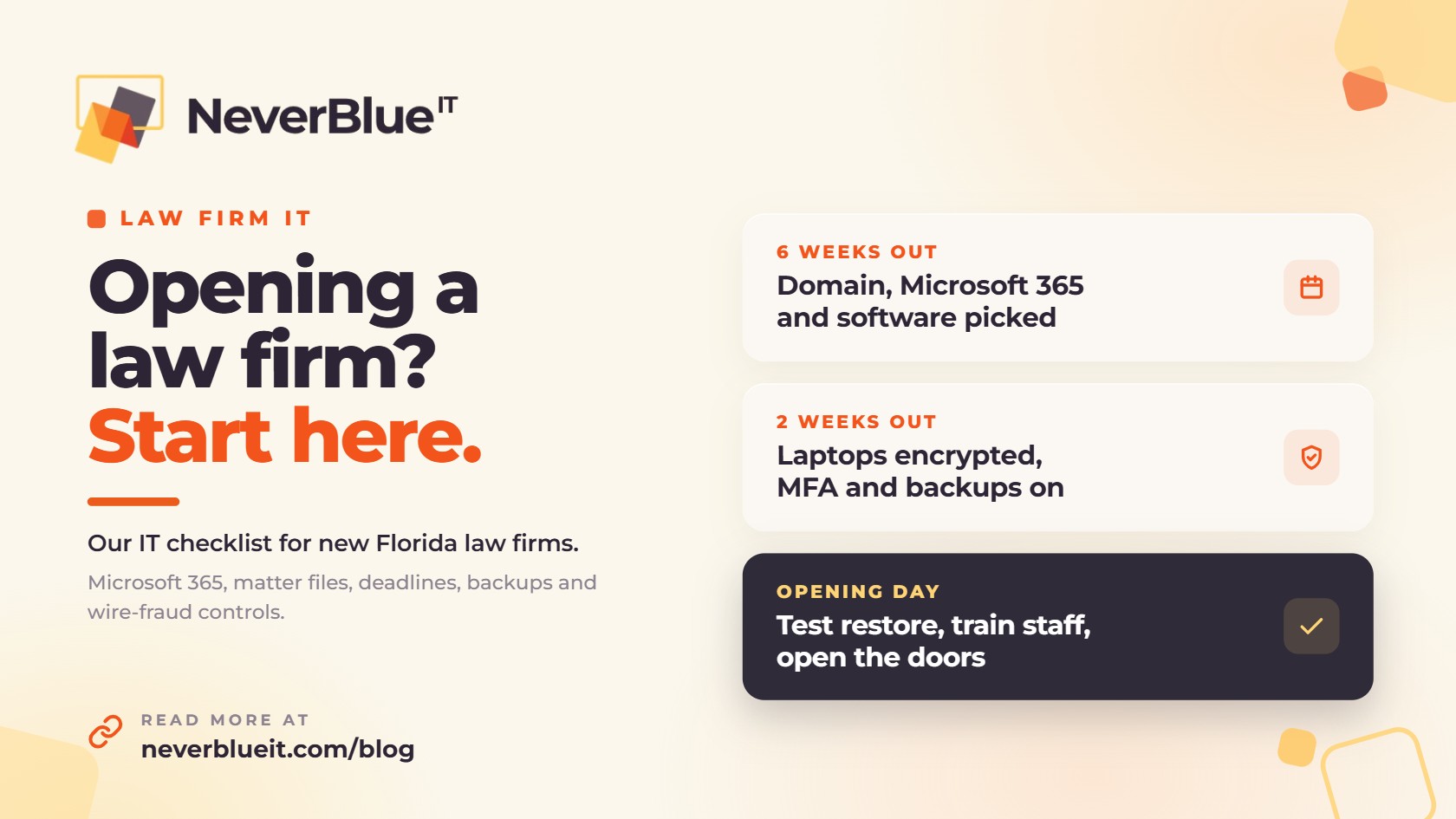
This law firm IT checklist covers what a new Florida firm should set up before the first client file exists. At a minimum, a new firm needs business email with multi-factor authentication, encrypted laptops the firm can wipe remotely, practice management and document management software, a deadline calendar tied to court rules, backups of all of it, and a written process for verifying wire instructions.
It’s the same list we work through with small firms in Orlando and across Central Florida. It’s written for a firm of roughly 3 to 10 people that wants a real office rather than a fully virtual practice, though most of it applies either way.
What Florida’s rules expect from a law firm’s technology
There’s no single Florida Bar rule called “IT requirements.” Several rules and opinions add up to one, though:
- The comment to Rule 4-1.1 (competence) says lawyers should understand the benefits and risks of the technology they use. Florida was also the first state to require technology CLE. Since January 1, 2017, 3 of the 33 CLE hours in each three-year cycle have to be in approved technology programs.
- Florida Bar Ethics Opinion 12-3 (2013) allows client files in the cloud, as long as the lawyer researches the provider, confirms it will keep the data confidential and secure, and keeps a separate backup copy.
- Florida Bar Ethics Opinion 24-1 (2024) allows generative AI. The lawyer still has to protect client confidentiality, oversee the output, bill fairly for AI-assisted work and follow the advertising rules.
- Florida’s data breach law, section 501.171 of the Florida Statutes, requires businesses to take reasonable measures to protect personal information. After a breach, affected Floridians must be notified within 30 days. If 500 or more people are affected, the Florida Attorney General’s office must be notified too.
Opening in Michigan instead? The Michigan Supreme Court added the same technology competence language to the comment on Rule 1.1, effective January 1, 2020.
The law firm IT checklist
Accounts, devices and software
| Area | What to set up | Why it matters |
|---|---|---|
| Email and accounts | Your own domain, Microsoft 365 Business Premium, and multi-factor authentication on every account | Business Premium adds conditional access, device management and endpoint protection. Business Standard doesn’t include any of them. |
| Laptops and desktops | Business-grade machines enrolled in device management, with BitLocker drive encryption turned on | If a laptop is lost or stolen, you can lock and wipe it, and the encrypted drive can’t be read. |
| Practice management | Centerbase, Clio, MyCase or a similar platform, connected to email and calendar | Matters, time entries, billing and trust accounting live in one system. |
| Document management | NetDocuments, iManage, or a structured SharePoint setup | Files are saved by matter, with version history and access controls. |
| Deadline calendaring | A court-rules calendaring tool such as LawToolBox, working inside Outlook | Deadlines are calculated from the rules and land on the right calendars. |
Security, backups and the office
| Area | What to set up | Why it matters |
|---|---|---|
| Email security | Phishing filtering, external-sender warnings, and SPF, DKIM and DMARC records on your domain | It gets much harder for someone to send email that looks like it came from your firm. |
| Wire-fraud controls | A written rule that wire instructions are confirmed by phone, at a number you already had on file | The FBI’s IC3 put business email compromise losses at about $3.05 billion in 2025. |
| Backups | Separate backups of Microsoft 365 and practice management data, plus a test restore | Microsoft 365’s built-in retention is limited. A separate copy lets you restore a deleted or encrypted matter folder. |
| Office network | A business firewall, guest Wi-Fi kept separate from the firm’s network, and scanners that save straight to the document system | Clients in the lobby shouldn’t be on the same network as your files. |
| Phones | A business phone system with the firm’s main number, forwarding to attorneys’ mobiles | Clients reach the firm, not one person’s cell number. |
| Policies and insurance | A short written security policy, an incident response plan, and an AI use policy | Cyber insurance applications usually ask about MFA, backups and endpoint protection. |
Need help with a specific piece? We cover email security and phishing in our cyber security services, backups in IT disaster recovery, and phones in business phone systems.
Is Microsoft 365 Business Standard enough for a law firm?
Usually not. As of July 2026, Business Standard is $14 per user per month on an annual plan and Business Premium is $22. The $8 difference buys conditional access (Entra ID P1), Intune device management, Defender for Business endpoint protection and baseline data loss prevention.
For a 5-person firm that’s $40 a month more. In exchange, you cover several rows of the checklist above that you’d otherwise pay for separately, and you have a straight answer when a cyber insurance application or a corporate client’s security questionnaire asks how you manage devices.
When to tackle each item on the law firm IT checklist
- Six to eight weeks before opening, register the domain, set up Microsoft 365, and choose practice management and document management software. Keep copies of the provider agreements. Opinion 12-3 expects you to know what they say about confidentiality and access to your data.
- Four weeks out, order laptops, schedule internet installation at the office, and start porting your phone number. Hardware, internet installs and number ports are where the waiting happens.
- Two weeks out, enroll devices, turn on MFA and encryption, connect practice management to Outlook and the document system, and start backups.
- During opening week, train everyone on spotting phishing and on the wire-verification rule, run a test restore, and confirm scanners and printers save to the right place.
What changes if you want a physical office
A lot of new firms start fully remote. If you want an office, add the network, printers and scanners, conference room video, and someone who can show up in person when something breaks the morning of a hearing. That last item is the main reason to pick a local IT provider over a remote-only help desk.
How NeverBlue IT helps new law firms
NeverBlue IT sets up and supports IT for law firms in Orlando, across Central Florida, and in the Detroit metro. For a new firm we handle Microsoft 365, devices, the office network, phones and backups, and we work with vendors like Centerbase, NetDocuments and LawToolBox so the pieces talk to each other. You get a dedicated team lead who visits onsite every month, a 24/7 help desk, and a fixed monthly price on a month-to-month agreement.
Opening a firm soon? Book a free IT assessment and we’ll walk through this law firm IT checklist with you.
Frequently asked questions
What should be on a new law firm IT checklist?
Business email on your own domain with multi-factor authentication, encrypted laptops under device management, practice management and document management software, a court-rules deadline calendar, backups of your cloud data, and a written process for verifying wire instructions.
Can Florida lawyers store client files in the cloud?
Yes. Florida Bar Ethics Opinion 12-3 allows it if the lawyer researches the provider, confirms it keeps data confidential and secure, and keeps a separate backup copy.
Do Florida lawyers need technology CLE?
Yes. Since January 1, 2017, Florida lawyers must complete 3 hours of technology CLE in each three-year reporting cycle, as part of the 33 total hours.
Can lawyers use ChatGPT or other AI tools with client information?
Florida Bar Ethics Opinion 24-1 allows generative AI, but the lawyer has to protect confidentiality, oversee the output, bill fairly and follow the advertising rules. A safe default is to keep client information out of free consumer AI tools and put a written AI use policy in place.
Is Microsoft 365 Business Premium worth it for a small law firm?
For most firms, yes. It adds conditional access, device management and endpoint protection for $8 more per user per month than Business Standard.
How long does it take to set up IT for a new law firm?
Plan on six to eight weeks if you’re starting from scratch. Most of that time goes to ordering hardware, getting office internet installed and porting phone numbers. The configuration itself takes a few days.