
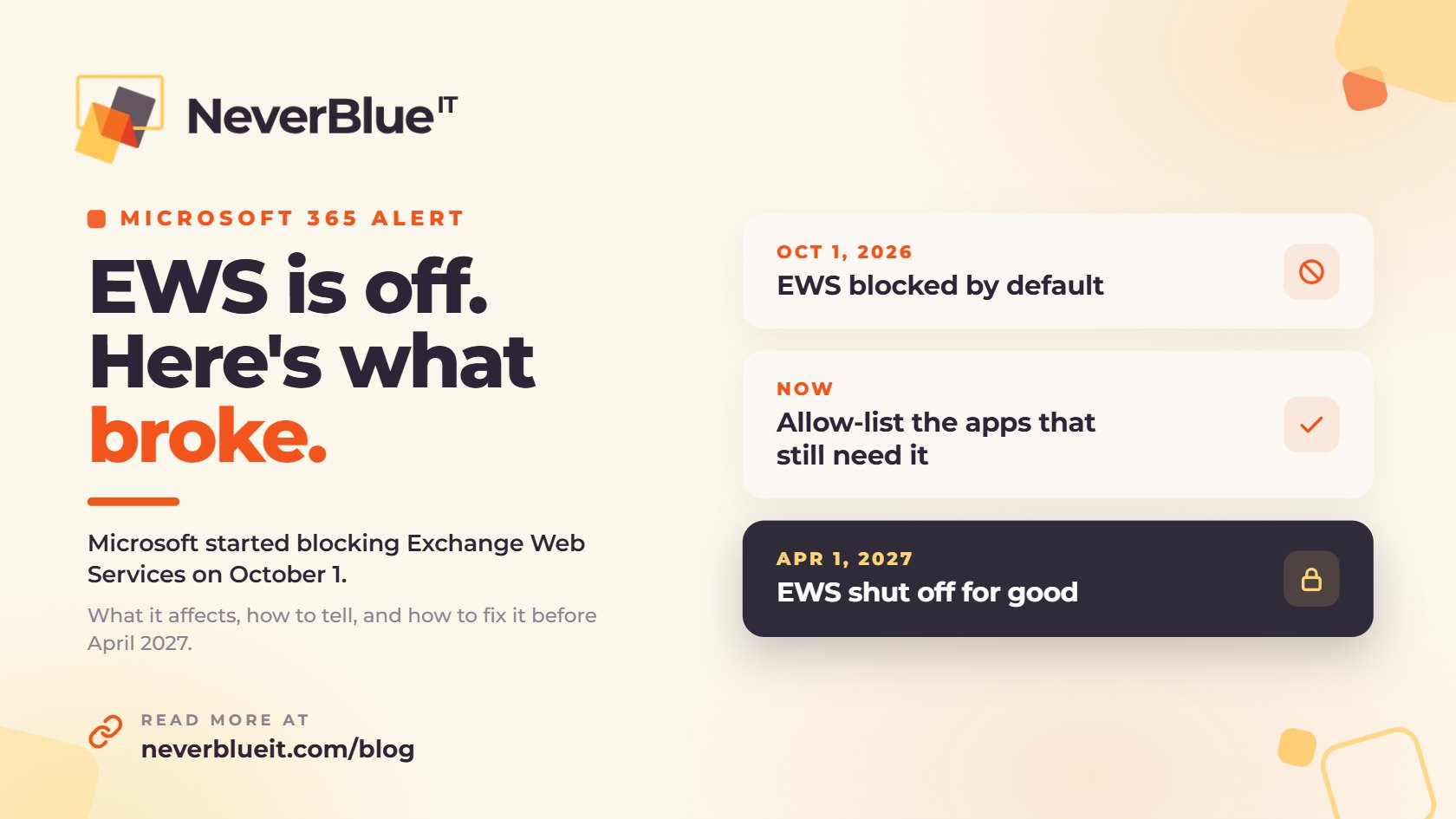
On October 1, 2026, Microsoft started blocking Exchange Web Services (EWS) in Exchange Online, the email service behind Microsoft 365. That was the first phase of Microsoft’s EWS retirement. EWS is an older way for apps to read and send mail, calendars and contacts. If Mail on a Mac, a scanner, a CRM sync or a backup tool stopped connecting to Microsoft 365 recently, this is the most likely reason.
Your IT administrator can turn EWS back on for specific apps until April 1, 2027. After that date Microsoft shuts it off for good, and Microsoft has confirmed there are no extensions. Anything that still depends on EWS has to be updated or replaced before then.
The EWS Retirement Timeline
| Date | What happens |
|---|---|
| February 2026 | Microsoft announces the schedule to Microsoft 365 admins |
| End of August 2026 | Deadline Microsoft gave admins to set up an allow list before the cutoff |
| October 1, 2026 | EWS is blocked by default in any tenant that hasn’t allowed it |
| April 1, 2027 | EWS is permanently shut off in Exchange Online |
This only applies to Microsoft 365. If your company still runs its own Exchange Server in-house, EWS keeps working there.
What EWS Retirement Breaks
Most offices won’t notice anything in Outlook itself. The problems show up in the tools that connect to it, like these:
- Apple’s Mail, Calendar and Contacts apps on a Mac, which connect to Microsoft 365 through EWS. Apple says it will move them to Microsoft’s newer connection in a future macOS 27 update, but it hasn’t given a date.
- The old (legacy) version of Outlook for Mac. The new Outlook for Mac doesn’t use EWS.
- Other email programs, like Thunderbird with an Exchange add-on
- Copier and scanner workflows that connect straight to a mailbox
- CRM, phone system and scheduling tools that sync email or calendars
- Backup, archiving and email security products that read mailboxes, especially older on-premises versions
- Custom scripts and older business apps written years ago
What EWS Retirement Doesn’t Affect
Outlook for Windows, the new Outlook for Mac, Outlook on the web and the Outlook mobile app keep working. So does the Mail app on iPhone and iPad, which connects a different way. That’s why a common symptom is a Mac that stops getting email while the same person’s iPhone works fine.
One exception: some older Outlook add-ins read the mailbox through EWS. If an add-in stopped working, check with the company that makes it.
How to Tell If EWS Is the Problem
- It started on or right after October 1.
- An app says it can’t connect to Exchange, or keeps asking for a password that you know is right.
- Mail on a Mac spins or won’t sync, but Outlook and your phone are fine.
- A scan, sync or backup job started failing and nothing else changed.
Your IT team can confirm it. Microsoft provides an EWS usage report in the Microsoft 365 admin center that shows which apps have been connecting through EWS.
How to Fix It
Short Term: Allow the Apps You Still Need
Microsoft lets admins turn EWS back on for specific apps until April 1, 2027. In Exchange Online PowerShell, that means enabling EWS for the organization and listing the app IDs that are allowed:
Set-OrganizationConfig -EwsEnabled $true -EwsAllowedAppIDs "app-id-1,app-id-2"One catch: that command replaces the whole list every time it runs. Leave an app off by mistake and it gets blocked. Keep a written list of every app ID and why it’s on there.
Long Term: Move Off EWS Before April 1, 2027
The allow list only buys time. For each app on it, do one of these:
- Ask the vendor whether a current version uses Microsoft Graph, Microsoft’s replacement for EWS, and update to it.
- Move Mac users who rely on Apple Mail to the new Outlook for Mac until Apple ships its update.
- Replace tools the vendor no longer updates.
- Rewrite custom scripts to use Microsoft Graph.
EWS Retirement Checklist Before April 1, 2027
- Pull the EWS usage report for your Microsoft 365 tenant.
- List every app, device and script that still connects through EWS.
- Allow-list only the ones you still need, and write down why.
- Get a Microsoft Graph update date from each vendor.
- Move Mac users off Apple Mail for their Microsoft 365 accounts for now.
- Recheck the usage report every month until it’s empty.
- Turn EWS off yourself once nothing needs it, so the April 1 shutdown doesn’t catch anyone off guard.
How NeverBlue IT Handles This for Clients
We’re working through EWS retirement with our managed IT clients in Central Florida and Southeast Michigan. For each one, we pull the EWS usage report, match every app to its vendor, build a documented allow list so nothing breaks in the meantime, and track each app until it’s off EWS. When the list is empty, we close it out and record it in the client’s documentation.
If something stopped working at your office this month and you’re not sure why, call us at 800.470.7001 or book a free IT assessment. We’ll tell you whether EWS is the cause and what it takes to fix it.
Frequently Asked Questions
What is Exchange Web Services (EWS)?
EWS is an older programming interface that lets apps read and change mail, calendars and contacts in Exchange. In Exchange Online, Microsoft is replacing it with Microsoft Graph.
Is Microsoft shutting down Exchange Online or Outlook?
No. Only the EWS connection is going away. Email, Outlook and the rest of Microsoft 365 keep working.
Does EWS retirement affect on-premises Exchange Server?
No. The change applies to Exchange Online in Microsoft 365. On-premises Exchange Server continues to support EWS.
Why did Mail on my Mac stop working when my iPhone still gets email?
Apple Mail on macOS connects to Microsoft 365 through EWS. iPhone and iPad Mail use Exchange ActiveSync, which isn’t affected. The new Outlook for Mac works today, and Apple has said Mail will move to Microsoft Graph in a future macOS 27 update.
Can we get more time after April 1, 2027?
No. Microsoft has said EWS will be permanently disabled in Exchange Online on April 1, 2027, with no exceptions.
How do we find out which apps use EWS?
A Microsoft 365 administrator can pull the EWS usage report from the admin center, which lists the apps that have been connecting through EWS. Vendors can also tell you whether their product uses EWS or Microsoft Graph.