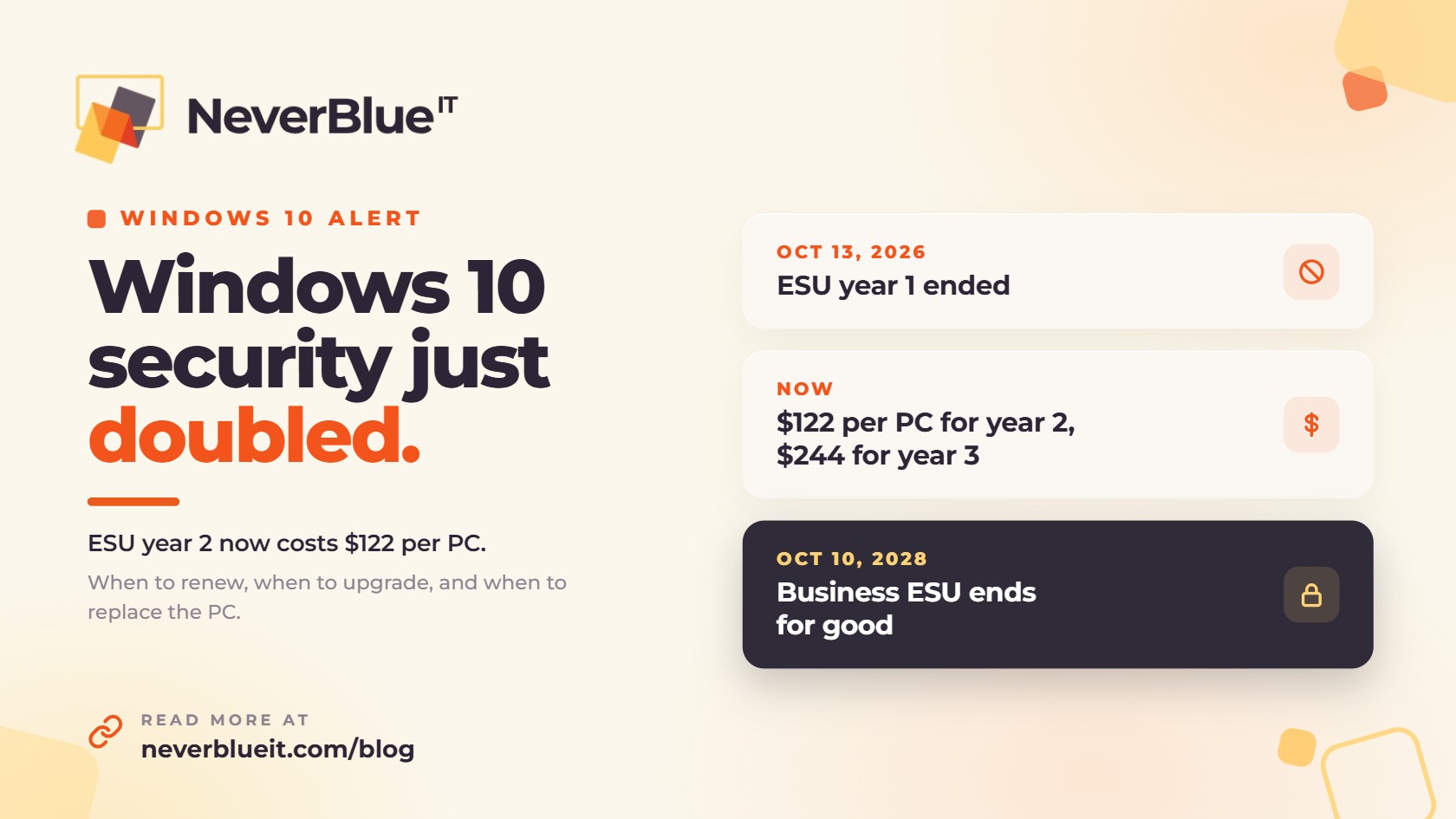
Windows 10 ESU year 2 costs businesses $122 per device and covers October 14, 2026 through October 12, 2027. Year one ended on October 13, 2026, and it doesn’t renew on its own. A Windows 10 PC that wasn’t enrolled for year two has stopped getting Windows security updates.
Paying for ESU on every PC is the expensive way through this. In most offices it costs less to move every PC that can run Windows 11 onto it, replace the ones that can’t, and buy ESU only for the few machines that have to stay on Windows 10 a while longer.
What Windows 10 ESU year 2 costs
Microsoft priced the first year of Extended Security Updates (ESU) for organizations at $61 per device and doubles the price each year. ESU is cumulative, so a PC that skipped year one has to pay for it before it can get year two.
| ESU year | Coverage ends | Price per device |
|---|---|---|
| Year 1 | October 13, 2026 | $61 |
| Year 2 | October 12, 2027 | $122 ($183 if the PC skipped year 1) |
| Year 3 | October 10, 2028 | $244 |
Keeping one PC on Windows 10 from now until ESU ends costs $366 in ESU fees alone. At the end of it, you still have a PC that’s two years older and still needs to be replaced. Microsoft sells ESU by the full year, so a PC you only plan to keep until spring still costs the full $122.
What ESU covers, and what it doesn’t
ESU gives you Windows 10 security updates and nothing else. You don’t get new features, general bug fixes or regular technical support. Think of it as a way to keep a PC patched while you finish moving off of it.
Microsoft 365 apps are on a separate schedule. According to Microsoft, Outlook, Word, Excel and the rest of the apps keep getting security updates on Windows 10 until October 10, 2028, but feature updates stop at Version 2608. If you open a support case for a problem that only happens on Windows 10, Microsoft will ask you to move to Windows 11.
Renew, upgrade or replace: how to decide for each PC
| Option | Best for | Watch out for |
|---|---|---|
| Upgrade to Windows 11 | PCs bought in the last four to five years that pass the Windows 11 hardware check | Test line-of-business apps, printers and scanners first |
| Replace the PC | Machines that fail the hardware check or are near the end of their life anyway | Plan purchases in phases so you’re not buying everything in one month |
| Renew ESU | PCs running software or equipment that isn’t certified for Windows 11 yet, or a fleet that’s partway through a migration | The price doubles again next year, and coverage ends for good on October 10, 2028 |
How to check which PCs can run Windows 11
Windows 11 needs a supported 64-bit processor with at least two cores, 4 GB of RAM, 64 GB of storage, UEFI firmware with Secure Boot, and TPM 2.0. TPM 2.0 is the requirement that rules out most older business PCs.
On a single PC, open Start, search for PC Health Check, and click Check now. It lists any parts that fail. For an office with more than a handful of computers, have your IT provider pull a readiness report for every device at once from your device management or monitoring tools. Whatever passes goes on the upgrade list, and whatever fails goes on the replacement list.
Can you get Windows 10 ESU for free?
Only in a few cloud setups. Windows 10 virtual machines in Windows 365, Azure Virtual Desktop and Azure get ESU at no extra cost. Some physical PCs that connect to a Windows 365 Enterprise or Windows 365 Flex dedicated Cloud PC also qualify, but there are licensing and sign-in conditions, and Windows 365 Business isn’t among the qualifying licenses. For a typical small office, it rarely makes sense to adopt Windows 365 Enterprise just to avoid ESU fees.
A 90-day plan for Windows 10 ESU year 2
- Make a list of every computer: who uses it, how old it is, and whether it’s still on Windows 10.
- Run the Windows 11 readiness check and sort each machine into upgrade, replace or ESU.
- Upgrade the machines that pass after hours, starting with a small test group, and make sure your main apps and printers still work.
- Spread replacement purchases over the next few quarters instead of placing one large order.
- Buy ESU only for the exceptions, then check that those PCs are activated and actually receiving updates.
How NeverBlue IT helps with the Windows 10 transition
NeverBlue IT handles Windows 10 to Windows 11 moves for businesses across Central Florida and Southeast Michigan. We inventory your PCs, run the readiness check, upgrade the machines that qualify after hours, and source replacements through our Dell and HP partnerships. If a machine has to stay on Windows 10, we license and activate ESU for it and keep it on a short list until it’s replaced. The work is covered under our managed IT services at a fixed monthly price.
Not sure how many of your PCs are still on Windows 10? Book a free IT assessment and we’ll tell you which ones to upgrade, replace or renew.
Frequently asked questions
How much does Windows 10 ESU year 2 cost for businesses?
$122 per device, covering October 14, 2026 through October 12, 2027. A PC that skipped year one has to pay for that year too, for a total of $183.
Did Windows 10 ESU renew automatically after year one?
No. Year one ended October 13, 2026. A business has to buy year two for each device that should keep receiving security updates.
Is it safe to keep using Windows 10 without ESU?
The PC keeps working, but it no longer receives Windows security updates, so newly discovered vulnerabilities stay open. For a computer that handles email or client data, that’s a risk worth taking seriously.
When does Windows 10 ESU end for good?
Commercial ESU ends on October 10, 2028, after year three. There is no fourth year for businesses.
Will Microsoft 365 apps keep working on Windows 10?
Yes. Microsoft 365 apps get security updates on Windows 10 until October 10, 2028, but feature updates stop at Version 2608 and Microsoft support is limited.
Is it cheaper to buy ESU or replace the PC?
For most PCs, upgrading or replacing costs less in the long run. Two more years of ESU is $366 per PC, and the machine still has to be replaced when coverage ends.