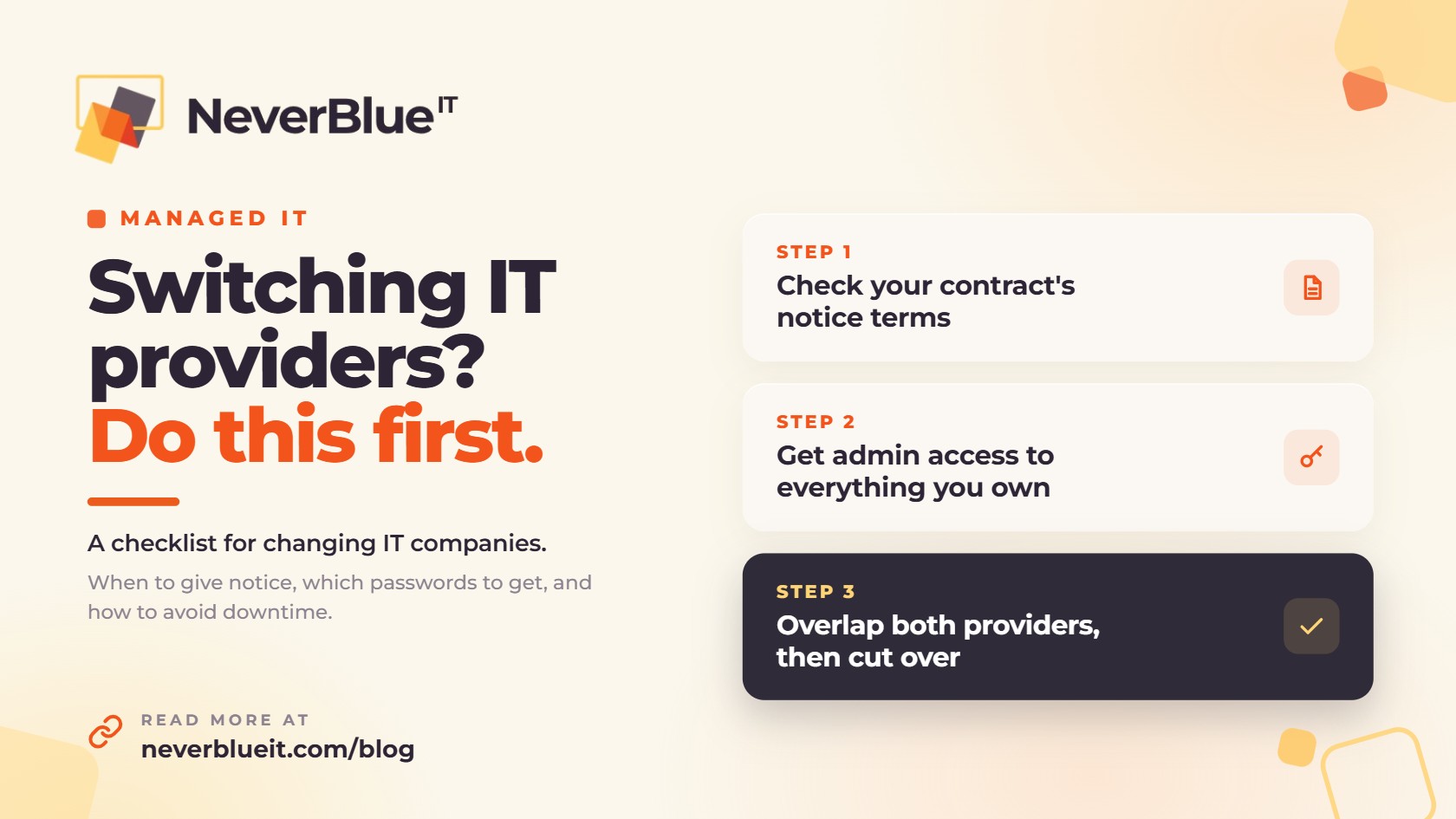
To switch IT providers without downtime, work in this order: read the notice terms in your current contract, get admin access to every account your business owns, have the new provider document your setup before the old one leaves, and run the two side by side for a short overlap. The handover itself usually takes a few weeks. Your current contract’s notice period is what sets the rest of the timeline.
Businesses usually start looking for a new IT company for the same few reasons: tickets sit for days, projects drag on, or nobody has been to the office in months. If that sounds familiar, this checklist walks through how to make the change without losing email, files or a day of work.
Signs it’s time to switch IT providers
- Simple requests take days to get a response.
- The same problems keep coming back after they were supposedly fixed.
- Invoices include charges you didn’t expect and can’t get explained.
- You never see anyone onsite, or it’s a different person every time.
- Nobody tells you what should be replaced or upgraded until it breaks.
- Projects you approved months ago still aren’t finished.
One of these on a bad week is normal. Several of them for months usually means the provider is stretched too thin or has stopped paying attention to your account.
Check your contract before you switch IT providers
Find your agreement and look for four things: how much written notice you have to give, whether the contract renews automatically and on what date, whether there’s a fee for leaving early, and what help the provider owes you on the way out. Also check who owns the equipment and software licenses. Some providers lease firewalls or buy Microsoft 365 licenses in their own name, and those don’t automatically stay with you.
Don’t give notice until you’ve chosen the new provider. You want someone ready to take the handover the day you send that letter.
What to get from your current IT provider
These accounts belong to your business. Ask for them in writing, and have the new provider test each login as it comes in.
| What to ask for | Why it matters |
|---|---|
| A global admin account for Microsoft 365 or Google Workspace | Whoever holds it controls your email, files and user accounts. Your business should have its own admin login. |
| Domain registrar and DNS logins | These control where your website and email point. |
| Admin passwords for the firewall, switches and Wi-Fi | Without them, the new provider may have to factory reset the equipment. |
| Admin passwords for servers and PCs | They’re needed to manage, patch and secure every machine. |
| Backup system access, and where the backups are stored | You need to be able to restore your data without the old provider’s help. |
| A list of software licenses and renewal dates | It shows which licenses are in your name and which are in the provider’s. |
| Network documentation | A diagram and an equipment list save days of rediscovery. |
| Vendor account details for internet, phones and business software | The new provider will need to be an authorized contact on each one. |
How to switch IT providers, step by step
- Choose the new provider and sign with them before you give notice to the old one.
- Let the new provider take inventory: every computer, server, network device, account and license.
- Send the old provider your written notice along with the list of credentials you need.
- Run both providers side by side for a short overlap. The new one installs its monitoring and security tools while the old one is still available for questions.
- On cutover day, change the admin passwords, remove the old provider’s remote access tools and admin accounts, and update your vendor contacts.
- In the first 30 days, clear the backlog of open problems and run a test restore from backup.
What can go wrong when you switch IT providers
The old provider may be slow to hand things over. Put every request in writing with a date, and remember that your domain and your Microsoft 365 account are registered to your business. If a provider refuses to give them back, Microsoft and domain registrars have processes for a business owner to regain control.
Backups are where gaps happen most often. Keep the old backup running until the new one has finished a full backup and you’ve restored a file from it. Then cancel the old one.
Old access tends to get left behind too. Remote support tools, shared admin passwords and forgotten user accounts can stay active long after the contract ends. A good new provider goes looking for them in the first week. CISA has published security guidance for small and mid-sized businesses that use managed service providers, and it’s worth reading when you change providers.
How NeverBlue IT handles the changeover
NeverBlue IT takes over from existing IT companies for businesses across Central Florida and Southeast Michigan, and we manage the changeover for you. You’re assigned a team lead and a backup technician. They take a full inventory of your computers, systems and passwords, then build a list of your open IT problems and fix them after hours, checking the next day that each fix held.
After that, your team lead visits onsite every month and our help desk answers 24/7. Our managed IT services are a fixed monthly price on a month-to-month agreement, so you can leave whenever you want.
Thinking about making a change? Book a free IT assessment and we’ll tell you what the switch would involve for your office.
Frequently asked questions
How long does it take to switch IT providers?
The handover usually takes a few weeks. The overall timeline depends mostly on the notice period in your current contract.
Will we have downtime when we switch IT providers?
You shouldn’t. If the two providers overlap for a short period and password changes happen after hours, staff keep working normally through the change.
Should we tell our current IT provider before we pick a new one?
No. Choose the new provider first and check your notice terms. Then give written notice so someone is ready to take the handover.
Who owns our passwords and data?
Your business does. Your domain, your Microsoft 365 or Google Workspace account and your data belong to you, and you should hold an admin login for each.
What if our current IT provider won’t hand over passwords?
Put the request in writing and check your contract. For accounts registered to your business, such as your domain or Microsoft 365, the vendor has a process for the owner to regain control, and a new provider can help you through it.
How much notice do we have to give our IT provider?
It depends on your agreement, so read the termination section. NeverBlue IT’s agreements are month to month.